Clever-Cloud
Now you want to use Otoroshi on Clever Cloud. Otoroshi has been designed and created to run on Clever Cloud and a lot of choices were made because of how Clever Cloud works.
Otoroshi as a Clever Cloud addon
The easiest way to get started with Otoroshi on Clever Cloud is to use the Otoroshi addon available directly from the Clever Cloud marketplace. This gives you a fully managed Otoroshi instance with no manual setup required.
You can find the addon documentation and provisioning instructions here: Clever Cloud Otoroshi addon.
The Otoroshi addon available on Clever Cloud is the Cloud APIM distribution of Otoroshi. This distribution ships with the entire Cloud APIM ecosystem of plugins and extensions, providing additional features on top of the standard Otoroshi distribution (LLM proxying, advanced API management features, etc.). You can find all the Cloud APIM open-source extensions on their GitHub organization.
If you need more control over your deployment or want to self-host Otoroshi on Clever Cloud, follow the manual setup instructions below.
Create an Otoroshi instance on CleverCloud
If you want to customize the configuration use env. variables, you can use the example provided below
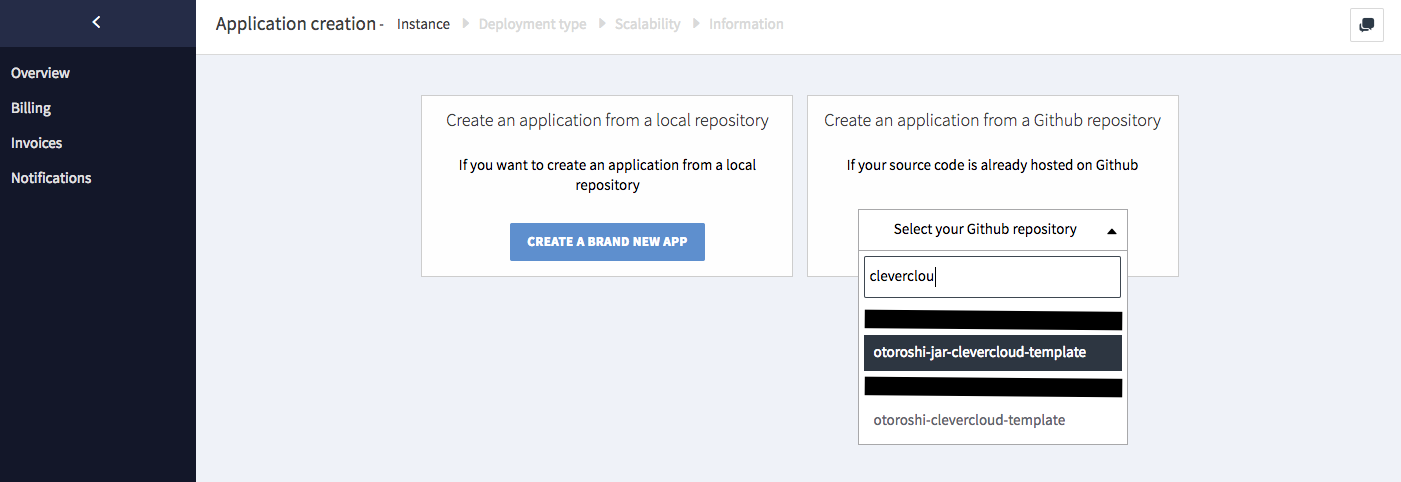
Create a new CleverCloud app based on a clevercloud git repo (not empty) or a github project of your own (not empty).
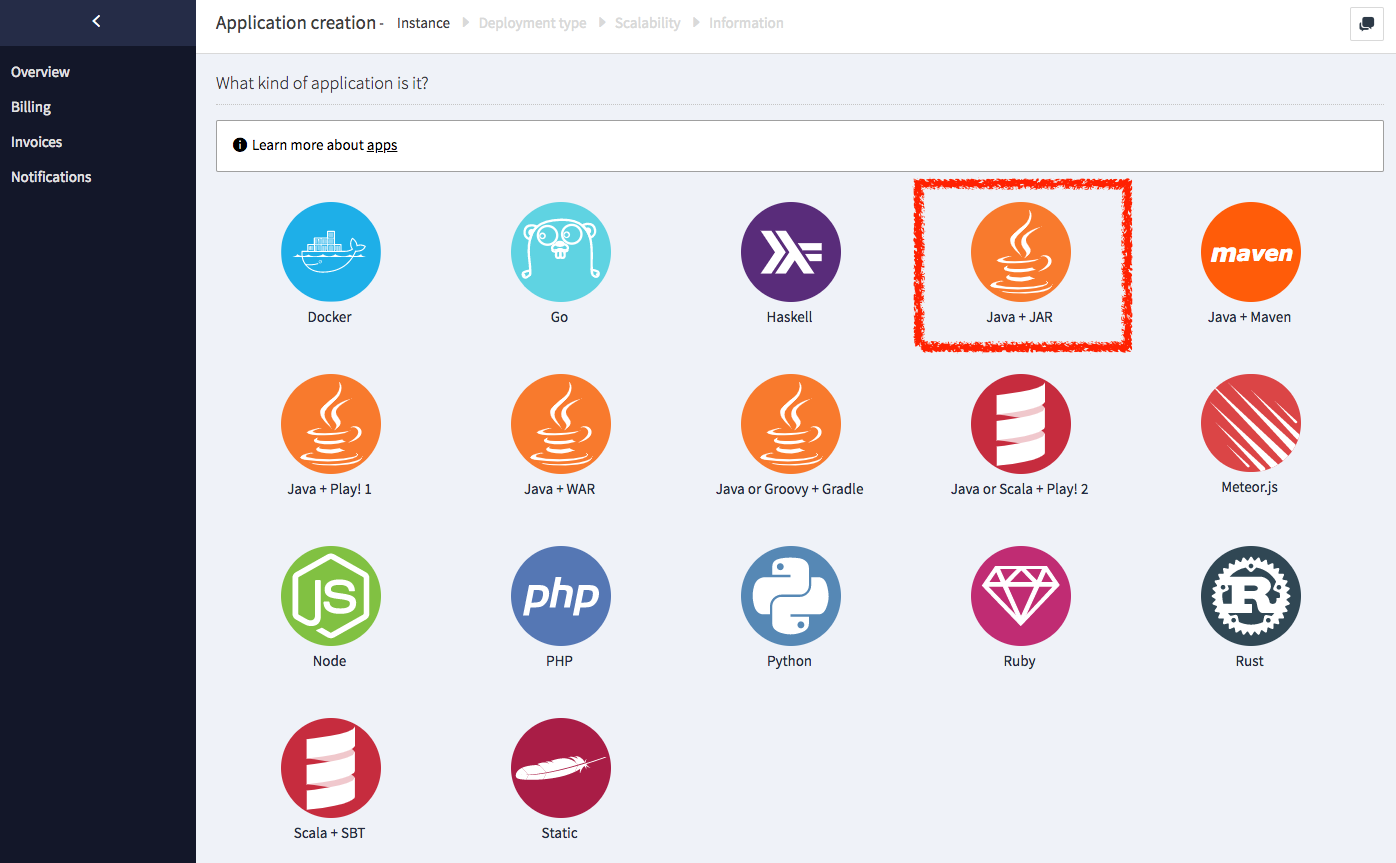
Then choose what kind of app your want to create, for Otoroshi, choose Java + Jar
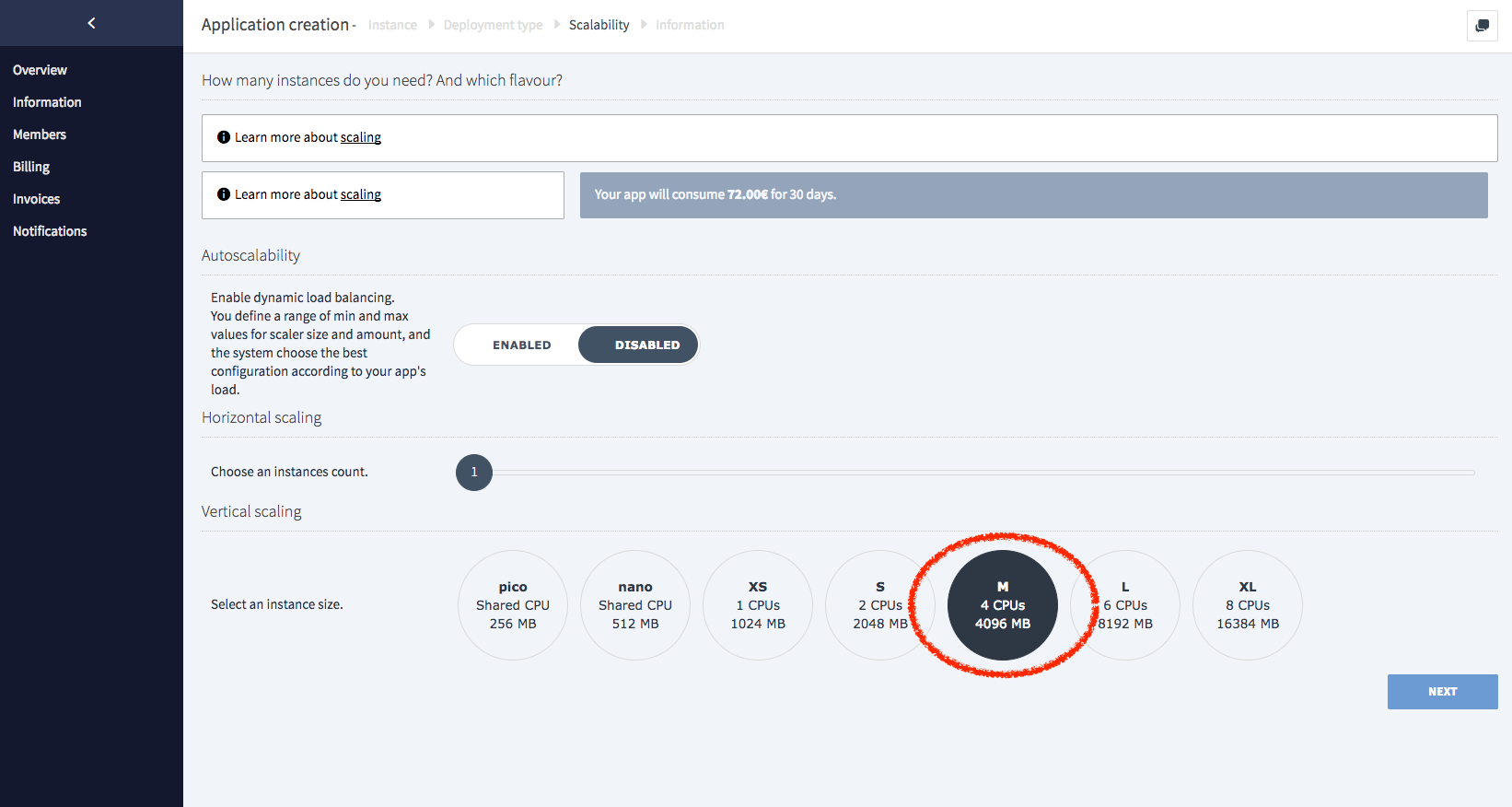
Next, set up choose instance size and auto-scalling. Otoroshi can run on small instances, especially if you just want to test it.
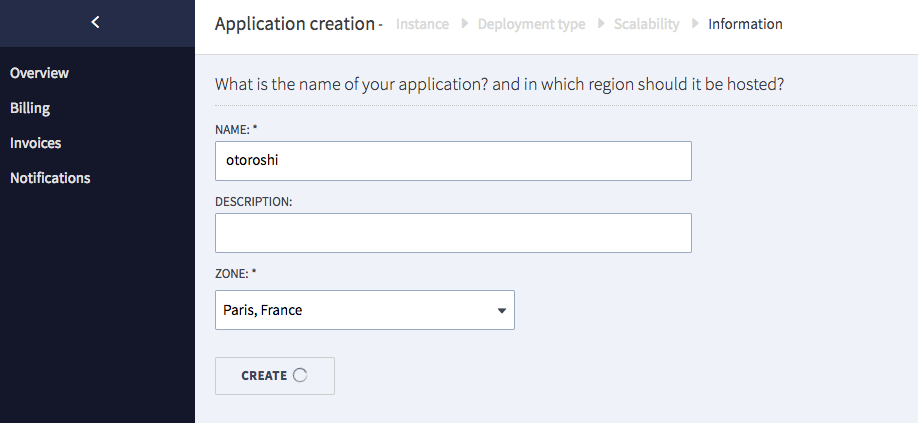
Finally, choose a name for your app
Now you just need to customize environnment variables
at this point, you can also add other env. variables to configure Otoroshi like in the example provided below

You can also use expert mode :
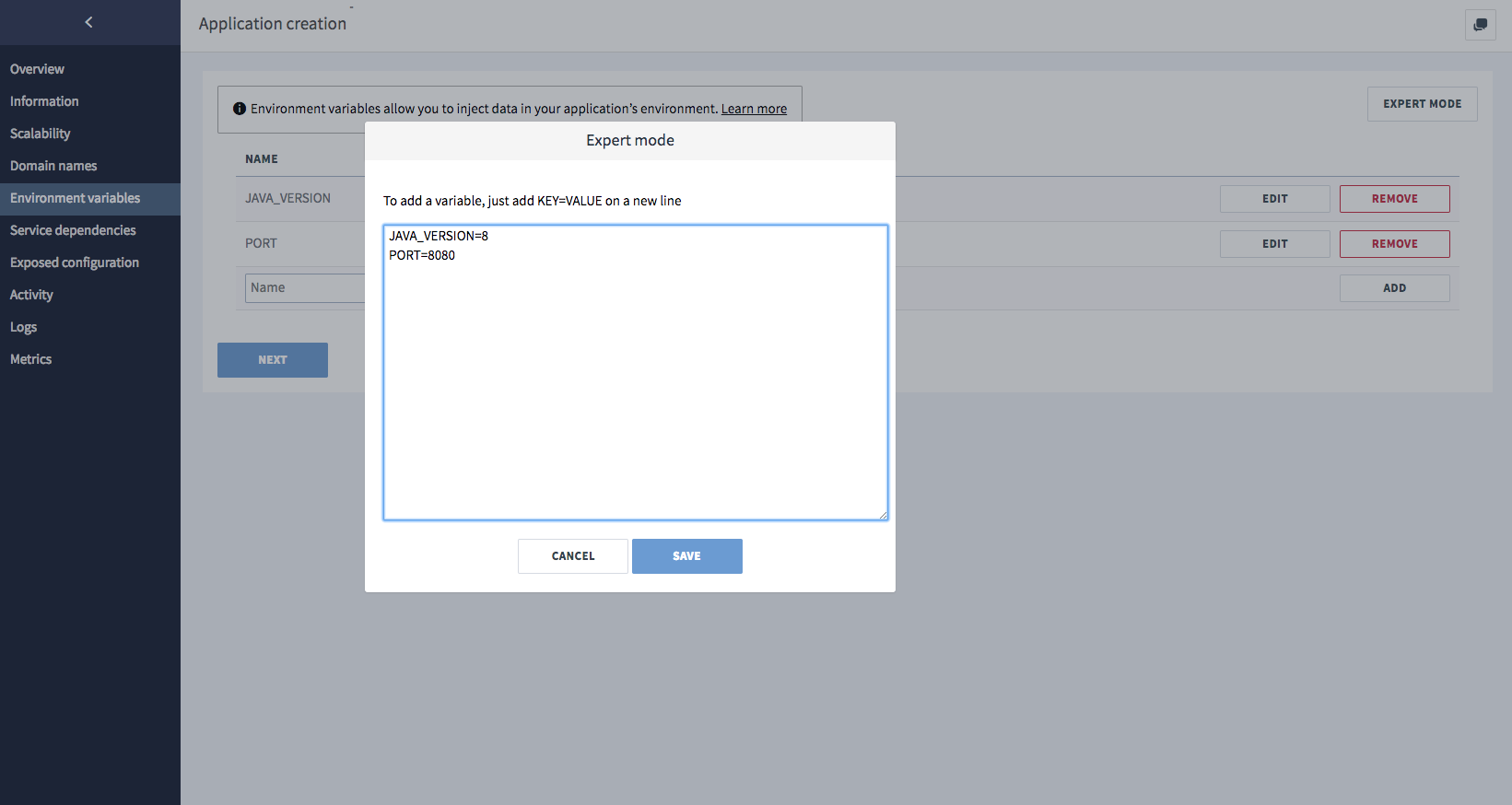
Now, your app is ready, don't forget to add a custom domains name on the CleverCloud app matching the Otoroshi app domain.
Example of CleverCloud env. variables
You can add more env variables to customize your Otoroshi instance like the following. Use the expert mode to copy/paste all the values in one shot. If you want an real datastore, create a redis addon on clevercloud, link it to your otoroshi app and change the APP_STORAGE variable to redis
ADMIN_API_CLIENT_ID=xxxx
ADMIN_API_CLIENT_SECRET=xxxxx
ADMIN_API_GROUP=xxxxxx
ADMIN_API_SERVICE_ID=xxxxxxx
CLAIM_SHAREDKEY=xxxxxxx
OTOROSHI_INITIAL_ADMIN_LOGIN=youremailaddress
OTOROSHI_INITIAL_ADMIN_PASSWORD=yourpassword
PLAY_CRYPTO_SECRET=xxxxxx
SESSION_NAME=oto-session
APP_DOMAIN=yourdomain.tech
APP_ENV=prod
APP_STORAGE=inmemory
APP_ROOT_SCHEME=https
CC_PRE_BUILD_HOOK=curl -L -o otoroshi.jar 'https://github.com/MAIF/otoroshi/releases/download/${latest_otoroshi_version}/otoroshi.jar'
CC_JAR_PATH=./otoroshi.jar
CC_JAVA_VERSION=11
PORT=8080
SESSION_DOMAIN=.yourdomain.tech
SESSION_MAX_AGE=604800000
SESSION_SECURE_ONLY=true
USER_AGENT=otoroshi
MAX_EVENTS_SIZE=1
WEBHOOK_SIZE=100
APP_BACKOFFICE_SESSION_EXP=86400000
APP_PRIVATEAPPS_SESSION_EXP=86400000
ENABLE_METRICS=true
OTOROSHI_ANALYTICS_PRESSURE_ENABLED=true
USE_CACHE=true